
How to Save in GTA 6: Save Slots, Autosave and Replays
How to save in GTA 6: the pause menu path, 15 save slots, when the autosave runs, why Save is greyed out, and how to replay a mission anyway.
Pause the game, open the Game tab and choose Save Game, then pick one of 15 slots. You do not need a bed or a safehouse. The game also autosaves after missions and when you are wasted or busted. Saving is greyed out during missions, and there is no mission replay, so keep a manual save before any mission you want to play again.
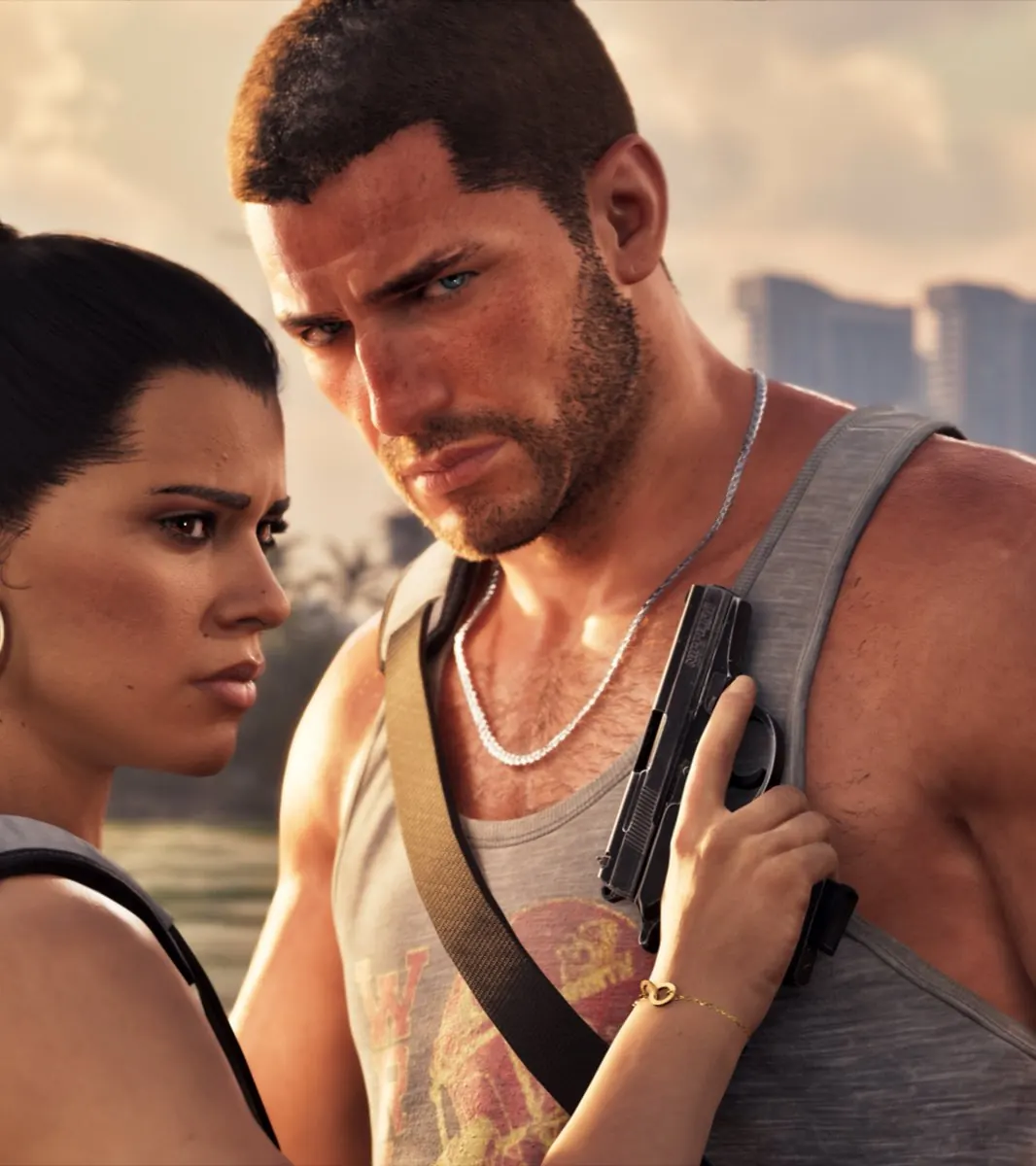
How do you save in GTA 6?
- Press Options on PS5 or Menu on Xbox to pause.
- Go to the Game tab.
- Choose Save Game and pick a slot.
That is the method GamesRadar+, Dexerto and VGC describe. KeenGamer adds that you do not need a bed, a safehouse or the phone. It says sleeping restores health and stamina but does not save the game; VGC says it lets you pick the time of day.
One early catch: KeenGamer says manual saving stays off in the prologue until Jason gets back to his house after the first job for Brian.
How many save slots does GTA 6 have?
Fifteen slots, say GamesRadar+, VGC and Dexerto. The autosave is where they differ. GamesRadar+ calls it a hidden 16th slot and Dexerto a separate autosave slot, while VGC says the autosave uses one of the 15. Either way you have room for a save at the start and end of every chapter.
When does GTA 6 autosave?
- After you finish a mission (GamesRadar+, Dexerto).
- When you are wasted or busted, and after a major open world encounter (GamesRadar+, Dexerto).
- After big purchases, according to Game Rant.
VGC says it will not save while you are fighting, being chased or falling, and that some players report the autosave not firing when expected. Do not rely on it alone.
Careful with old saves. Dexerto and Game Rant say loading an older manual save overwrites the autosave once you finish a mission. Make a fresh manual save before you load an old one.
Why can I not save in GTA 6?
- You are in a mission. GamesRadar+, Dexerto and VGC say Save is greyed out during missions. VGC links it to stopping players from saving before a story choice to try both options.
- Something just happened. GamesRadar+ says it can also grey out right after a phone call or a new objective in free roam. Leave the building or vehicle and try again.
- A cheat is on. GamesRadar+ says an active cheat disables saving and Trophies until you reload. See our GTA 6 cheats guide.
- You are still in the prologue. See the note above.
Can you replay missions in GTA 6?
No. GamesRadar+ and Eurogamer report there is no replay menu, and GamesRadar+, after more than 100 hours, doubts Rockstar will add one. Skill challenges now live in the Progress menu instead, where they unlock cheats.
The workaround is a save made before the mission. Load it, play the mission again, then load your latest save. Inside a mission you can restart from a checkpoint from the pause menu, GamesRadar+ adds.
What is the best way to use your save slots?
PowerPyx suggests a simple plan, and GamesRadar+ gives similar advice:
- Ten slots for the start and end of each of the five chapters.
- Five slots you rotate through as you play.
The chapter saves matter because PowerPyx and KeenGamer say some optional missions disappear when a chapter ends.
When you are done for the night, save first. GamesRadar+ notes there is no Quit option in the game, so you close it from the console home screen.
GTA 6 Scroll
Every tip in one feed.
Swipe through what Rockstar and the big outlets have published, one card at a time. Every card links to its source, and the 100% Tracker, AI Jason and live streams are one tap away.
Try it free

Frequently asked questions
How do you save in GTA 6?
Pause the game, open the Game tab, choose Save Game and pick one of the 15 slots. No bed or safehouse is needed.
How many save slots does GTA 6 have?
15 manual slots. GamesRadar+ and Dexerto say the autosave has its own extra slot; VGC says it uses one of the 15.
Does GTA 6 autosave?
Yes, after missions, when you are wasted or busted, and after major encounters. It does not save during combat or a chase.
Why is Save greyed out in GTA 6?
You are in a mission, something just triggered in free roam, a cheat is active, or you are still in the prologue.
Can you replay missions in GTA 6?
No. Load a manual save from before the mission instead.
Does loading an old save delete my progress in GTA 6?
It can overwrite the autosave once you finish a mission, per Dexerto and Game Rant. Make a new manual save first.
Sources
- GamesRadar+: How to save in GTA 6
- GamesRadar+: Can you replay missions in GTA 6?
- VGC: Here is how GTA 6 autosave works
- Dexerto: How to save in GTA 6
- Game Rant: GTA 6 autosave explained
- PowerPyx: GTA 6 how to save
- KeenGamer: How to save in GTA 6
- Eurogamer: GTA 6 multiple save files and mission replay
- VGC: How to change the time of day in GTA 6
GTA 6 Scroll is an unofficial fan project, not affiliated with Rockstar Games or Take-Two Interactive.
Keep reading

GTA 6 Beginner Tips: 20 Things to Know in Your First Hours
Twenty GTA 6 beginner tips: the new sprint button, save slots, Heat and six stars, dye packs, why to bank your cash, sleeping to skip time and more.
GTA 6 100% Checklist: Every Goal and When It Unlocks
GTA 6 100% has 35 requirements, and most stop short of the full count. Every target, where the checklist is, what is missable and what unlocks when.
All 61 GTA 6 Cheats: Confirmed Codes and How to Unlock Them
All 61 GTA 6 cheats in one list: every code confirmed so far, the task that unlocks each one, how to enter them, and why they turn off trophies and saving.
GTA 6 Missions List: Every Story Mission by Chapter
How many story missions GTA 6 has, the five chapters, the full mission list in order, which missions are missable and whether you can replay them.
Can You Buy Houses in GTA 6? Safehouses and Garages
No, you cannot buy houses in GTA 6. Here is every safehouse the story gives you, the eight garages you can buy, what they cost and the free ones.