
GTA 6 File Size: How Many GB You Need to Install It
GTA 6 needs up to 212 GB of storage. Here is how to make room, the PS5 system update you need first, and how code-in-box copies download.
GTA 6 needs up to 212 GB of storage, depending on your console, according to Rockstar. On PS5 you also need system software 26.07-14.23.00, about 1.27 GB, which Sony says is required to play. Code-in-box copies hold no game data, so redeem the code and download straight away.
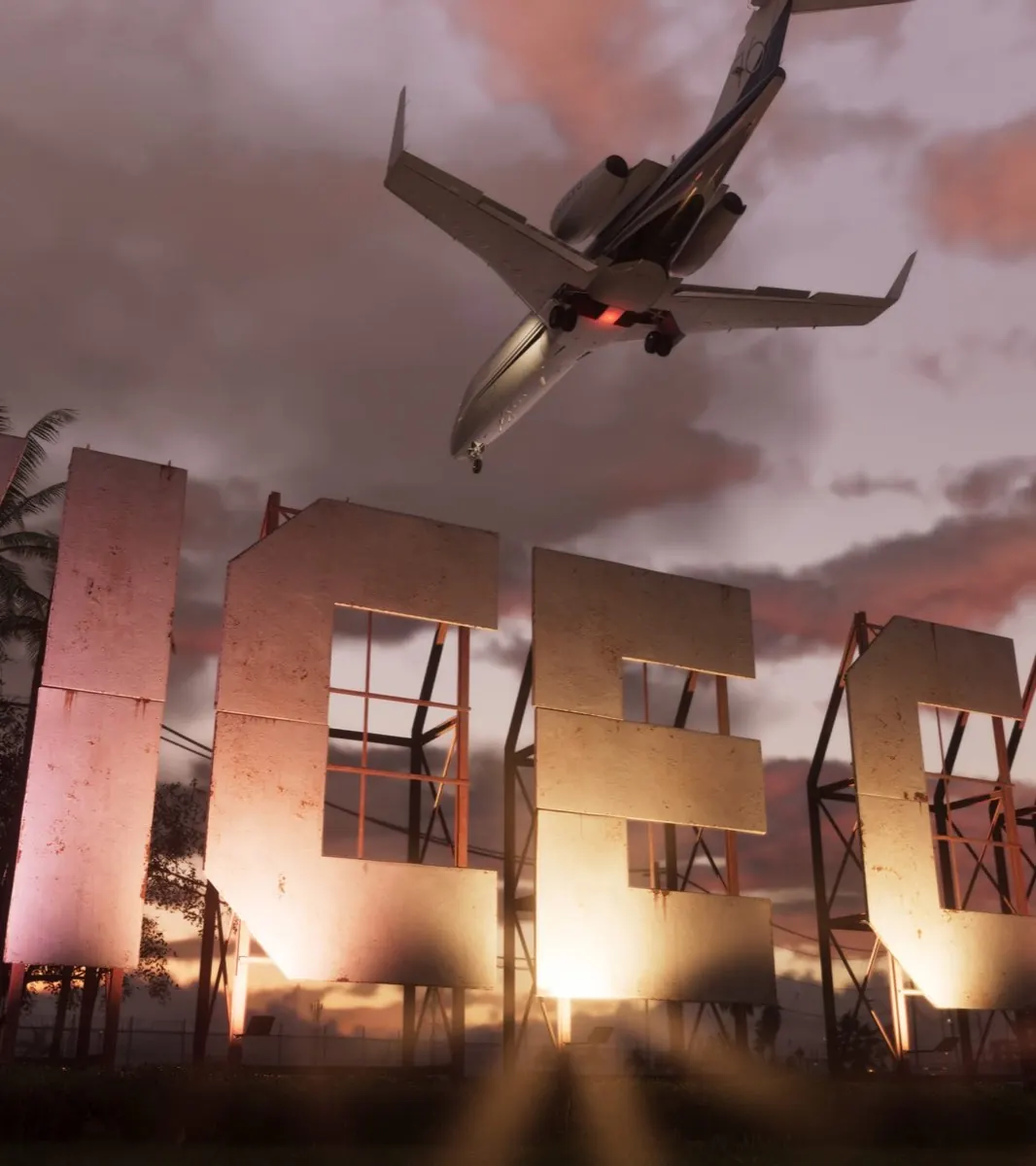
How big is the GTA 6 download?
Rockstar said the file needs up to 212 GB, depending on your device. That is a large share of a standard console drive, so check your free space before you start. Rockstar has not published a separate figure for each console, so plan around the full 212 GB.
- Check free space in your console storage settings.
- Delete or move games you are not playing.
- Start the download once you have room.
Do I need a PS5 system update for GTA 6?
Yes. IGN reports Sony has confirmed that PS5 system software 26.07-14.23.00, released on 17 November, is required to play GTA 6. The update is about 1.27 GB.
Install it before you sit down to play, so you are not hit with a forced system update at the worst moment. Leave space for it on top of the game itself.
Can I still pre-load GTA 6?
Pre-loading opened on 10 November for digital pre-orders, Rockstar said. The game launched on 19 November, so a pre-loaded copy is ready to start. A copy bought now downloads in full.
Rockstar tied the free Vintage Vice City Pack to purchases made before 20 November, so new copies no longer get it as a bonus.
How does a code-in-box copy work?
Rockstar said code-in-box buyers can activate their code and start downloading as soon as they receive it. The box does not contain the game data, so nothing plays until the code is redeemed and the full download finishes.
- Redeem the code on your console.
- Start the download straight away.
- Keep the receipt until the game has installed.
Is there anything else to download for GTA 6?
Yes, and it is free. The Leonida Map and Cover Art Poster is on the media page of Rockstar's GTA VI site. Print the map, or open it in the Map tab of the GTA 6 Scroll app while you play.
The official site also has previews of the in-game radio stations and singles from Grand Theft Auto VI: The Album, so you can listen while the game installs.
What should I do while it downloads?
Use the time well. Set your TV to Game Mode and turn off motion smoothing, as Rockstar suggests; our GTA 6 60 fps explainer says why. Then read the GTA 6 beginner tips so the new sprint button does not catch you out.
The download checklist is also a card in GTA 6 Scroll, with its source linked.
GTA 6 Scroll
Every tip in one feed.
Swipe through what Rockstar and the big outlets have published, one card at a time. Every card links to its source, and the 100% Tracker, AI Jason and live streams are one tap away.
Try it free
Frequently asked questions
How many GB is GTA 6?
Rockstar says the download needs up to 212 GB, depending on your device.
Which PS5 update does GTA 6 need?
IGN reports Sony requires system software 26.07-14.23.00, released on 17 November and about 1.27 GB.
Is GTA 6 on the disc in the code-in-box version?
No. Rockstar says the box does not contain the game data. Redeem the code and download the game.
When did GTA 6 pre-load start?
Rockstar opened pre-loading on 10 November for digital pre-orders.
Sources
- Rockstar Newswire: Pre-Load Begins on November 10
- Rockstar Newswire: Pre-Load Grand Theft Auto VI Now
- IGN: Sony issues official PS5 firmware update warning
- Rockstar Newswire: Pre-Order Grand Theft Auto VI on June 25
- Rockstar Games: Grand Theft Auto VI Music
GTA 6 Scroll is an unofficial fan project, not affiliated with Rockstar Games or Take-Two Interactive.
Keep reading
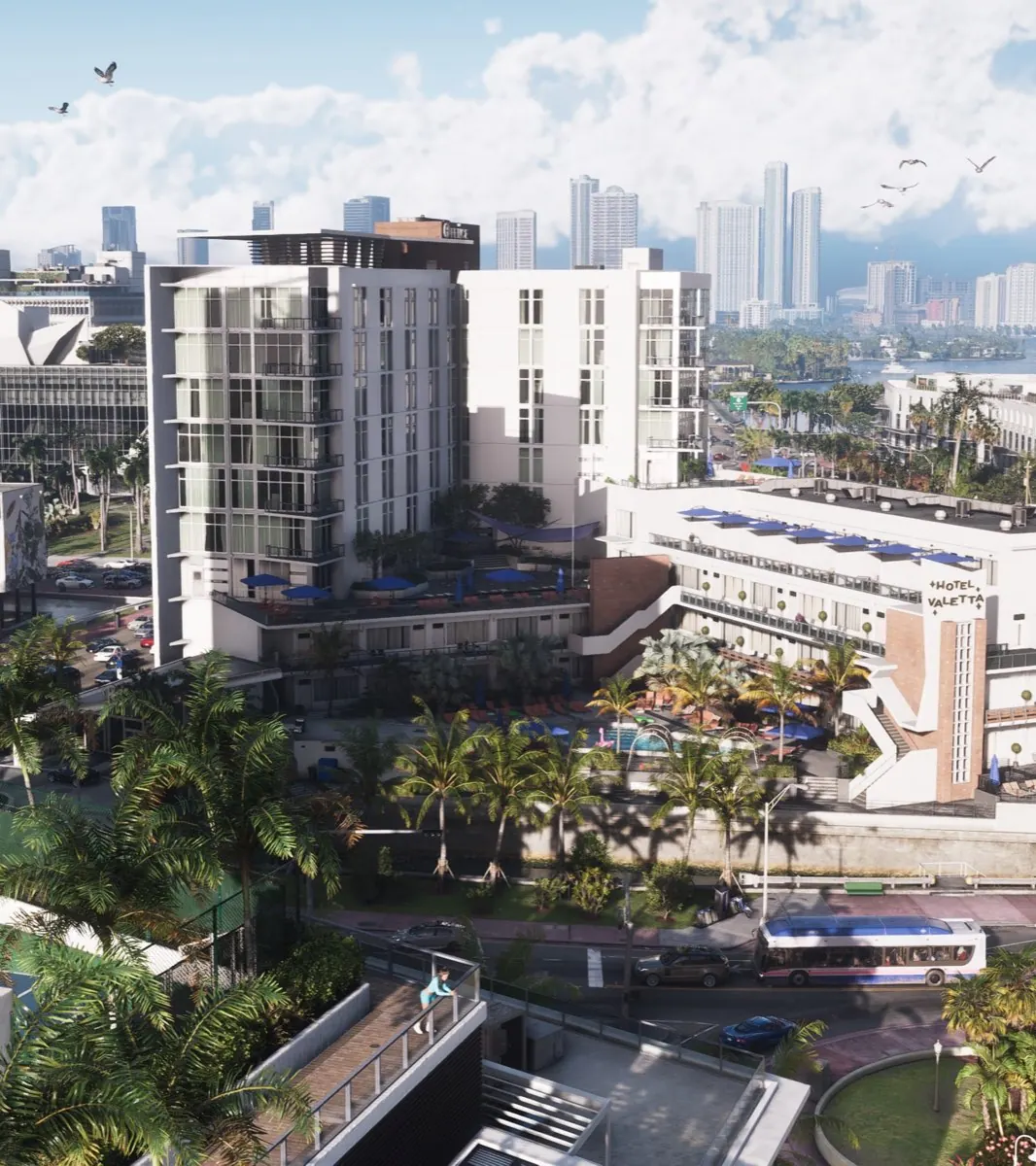
Does GTA 6 Run at 60 FPS? Frame Rate on Every Console
GTA 6 targets 30 fps on every console, PS5 Pro included, with no 60 fps mode. What PS5 Pro adds instead, and TV settings that help.
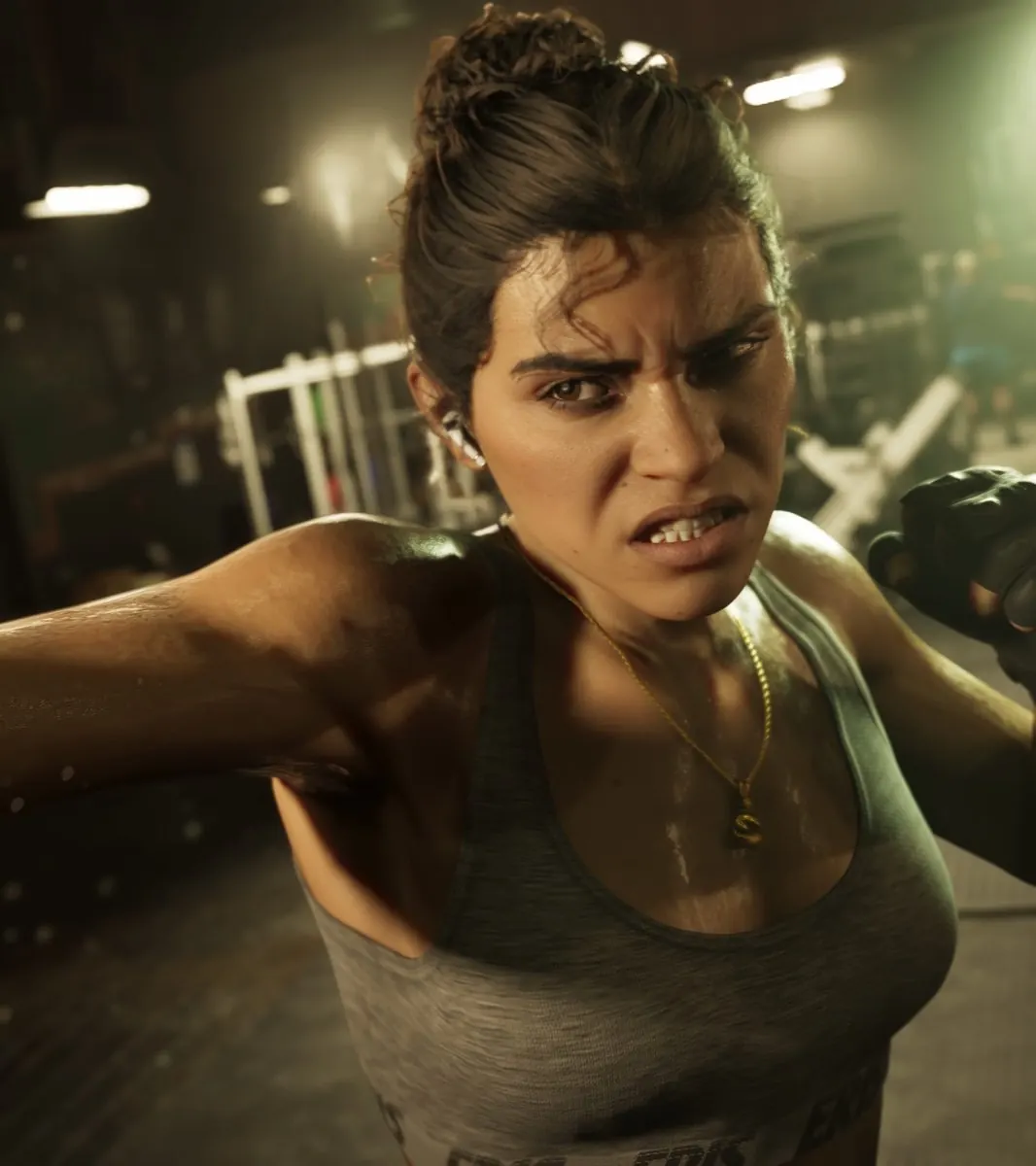
GTA 6 Beginner Tips: 20 Things to Know in Your First Hours
Twenty GTA 6 beginner tips: the new sprint button, save slots, Heat and six stars, dye packs, why to bank your cash, sleeping to skip time and more.
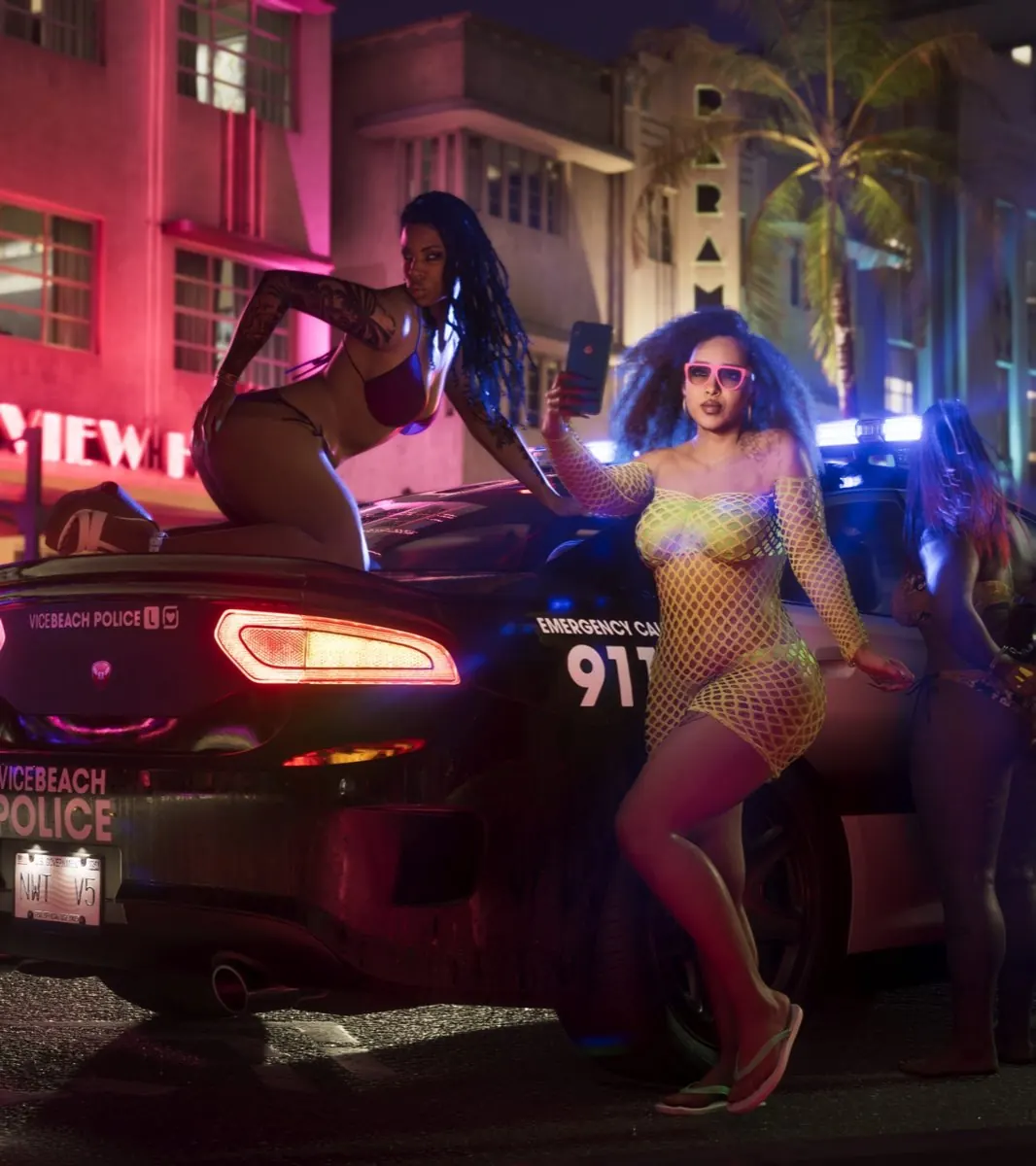
Is GTA 6 Better on PS5 Pro? PSSR and Ray Tracing
What GTA 6 adds on PS5 Pro: PSSR upscaling and ray-traced shadows, but still a 30 fps target. Plus the haptics and 3D audio every PS5 player gets.
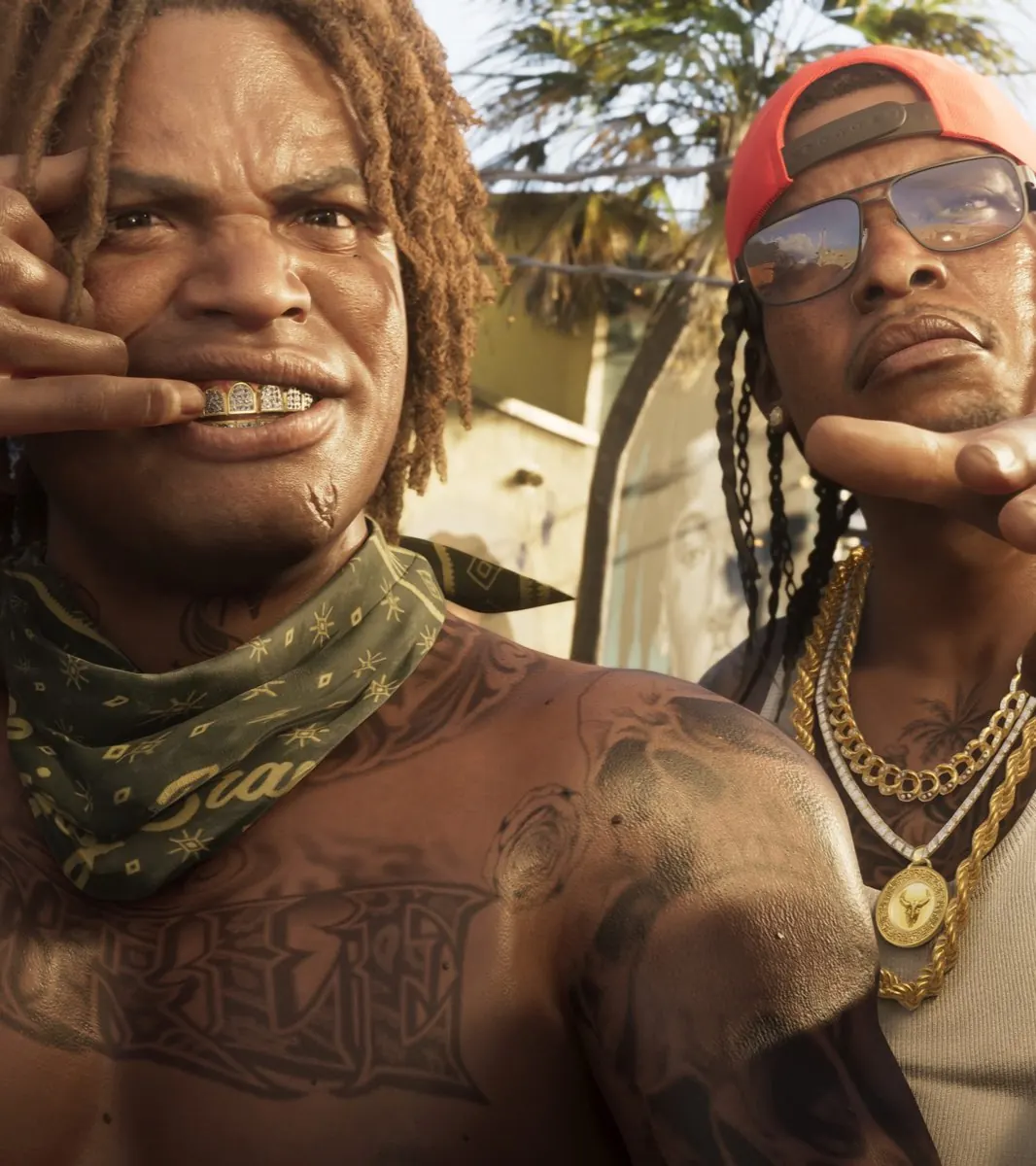
Best Console for GTA 6: PS5, PS5 Pro, Series X or S?
Best console for GTA 6, after launch: every console runs at 30fps, so the PS5 Pro wins on stability, Series X and PS5 tie, and the Series S drops frames.
GTA 6 Map: The Six Regions of Leonida Explained
Vice City, the Leonida Keys, Grassrivers, Port Gellhorn, Ambrosia and Mount Kalaga: the official GTA 6 regions, and where to get the free printable map.